Muse Video Tutorial on Muse.si
The Muse video tutorial on Muse.si is a browser walkthrough for one short clip. Create a Muse.si account, write a prompt or upload a first-frame image, choose 5 or 10 seconds and 9:16 or 16:9, then watch the result. New accounts get 50 credits once. A separate Muse account is not required.
Work through one clip, then repeat the same steps on your own prompt. The sample is a finished preview. The same prompt will not reproduce that file exactly.
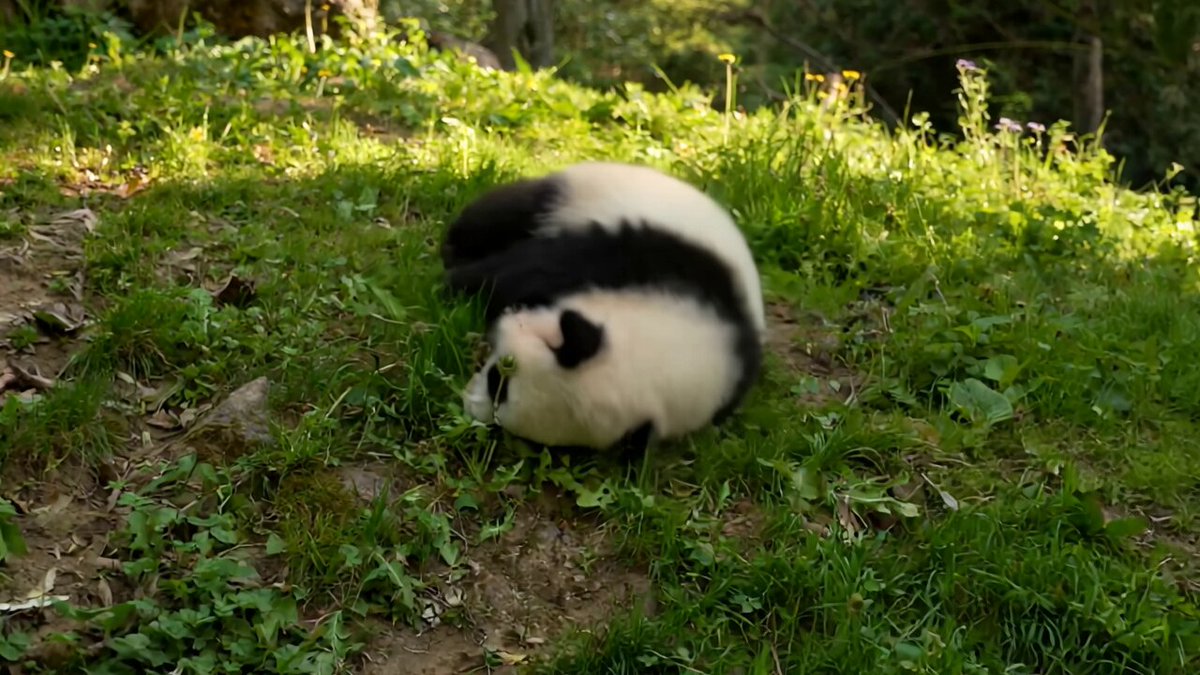
Muse.si sample clip: a panda rolls down a grassy slope. 16:9. Its prompt is the first one below. The same prompt will not reproduce this file exactly.
At a glance
- What you finish
- One 5- or 10-second video, in 9:16 or 16:9, from a text prompt or a first-frame image.
- Where you do it
- In the browser on Muse.si. A Muse.si account is required. A separate Muse account is not.
- What you can try free
- 50 credits once, on signup. About five 5-second text-to-video previews. Signup does not ask for a card.
- What this tutorial leaves out
- No timeline editor, captions, music, or posting. You watch the clip in the browser. Views are not promised.
Plan limits on this page match the pricing page as of 2026-11-03.
Steps
- Create a Muse.si account
Sign up with Google or email. New accounts receive 50 credits once. The signup form does not ask for a card, and a separate Muse account is not required.
- Write one shot
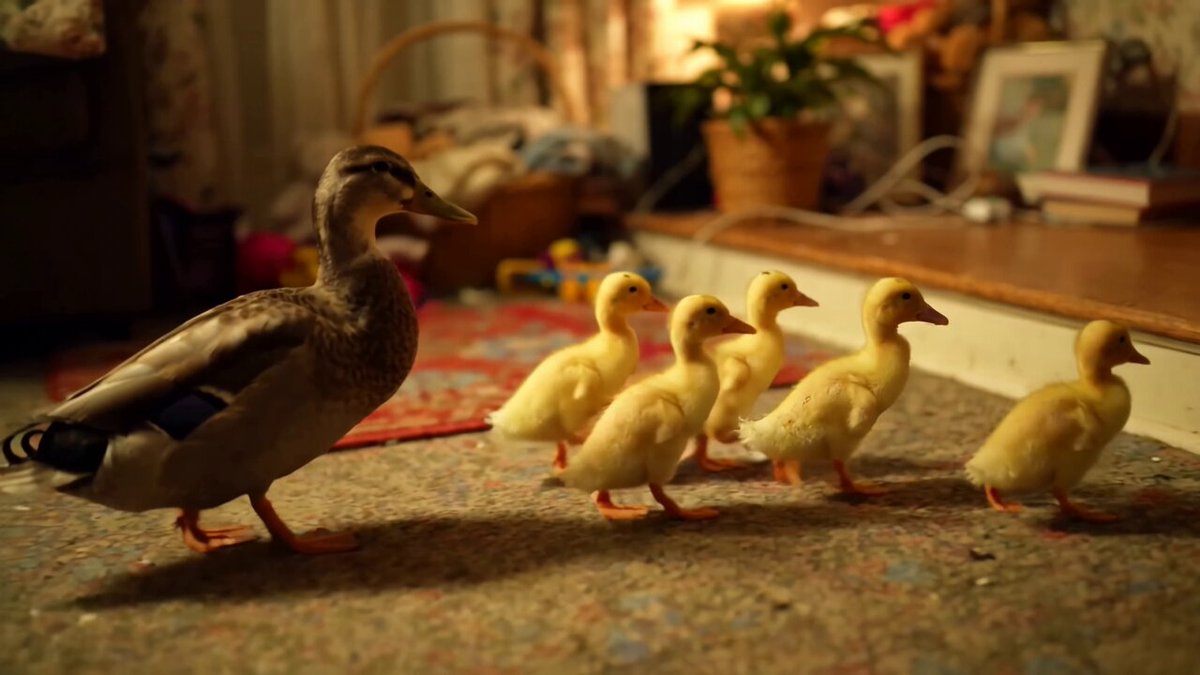
Name the subject, one action, the camera, and the light. The first prompt below is the panda clip on this page. Copy it, or keep that shape and change the subject.
- Or start from a still
Upload one JPG, PNG, or WebP under 4 MB as the first frame, then describe only the motion. A first frame adds 5 credits. Text-to-video is 10 credits for 5 seconds and 20 for 10 seconds.
- Set length and shape, then generate
Choose 5 or 10 seconds and 9:16 or 16:9. The studio shows the credit cost before you generate. Generation usually takes 1–3 minutes, and you can leave the page.
- Watch the finished clip
It stays in your library. Signup credits cover the generation, and you can leave the page while it runs.
Prompts
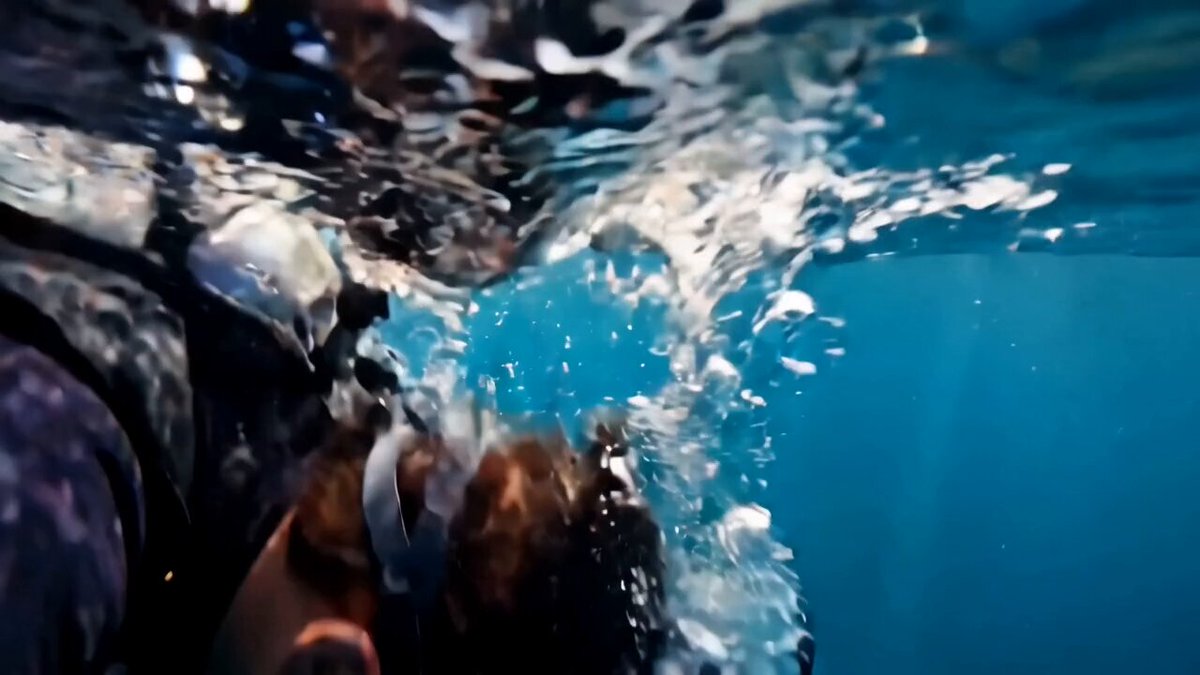
Underwater world
A cinematic underwater dive with colorful reefs, tropical fish and sunlight filtering through the water
Start the tutorial
Work through one clip, then repeat the same steps on your own prompt. The sample is a finished preview. The same prompt will not reproduce that file exactly.
Frequently asked questions
What is the Muse video tutorial?
It is the Muse.si walkthrough for making one short clip with the Muse video model. You create an account, write a prompt or upload a first frame, generate a 5- or 10-second video, and preview it in the browser.
Where do I follow the Muse video tutorial?
On Muse.si, in the browser. This page is the tutorial. The studio is where you generate. A Muse.si account is required. A separate Muse account is not.
Is the Muse video tutorial free?
The steps are free to read. New accounts get 50 credits once, which covers generating and watching a clip. Signup does not ask for a card.
How long does one tutorial clip take?
Writing the prompt takes about a minute. Generation usually takes 1–3 minutes. You can leave the page. The finished video stays in your library. Each clip is 5 or 10 seconds long.
Do I need a separate Muse account?
No. Sign up on Muse.si with Google or email. Muse.si is an independent service for short videos. This tutorial is for Muse.si, not for other products that share the Muse name.
Does this tutorial edit or post the video?
No. Muse.si generates the clip and lets you watch it. Captions, music, a longer edit, and posting happen in your own tools. The tutorial does not promise views.
Related videos

Explore
- Use the Muse Video Generator Online
- What the Free AI Video Generator Includes
- Turn an Image into an AI Video
- Create a Video from a Text Prompt
- Muse video prompts
- Cute Animal Video Prompts
- How to Use Muse on Muse.si
- Muse.si Frequently Asked Questions
- Muse.si vs Runway: Prices and Limits
- Where You Can Use Muse.si
- Make an AI Product Video from a Photo or a Prompt
- AI Video for Reels and Shorts in 9:16
- Create Short AI Clips Built for Social Feeds
- Muse.si AI Video: Text or Image to a Short Clip