Video couldn't load
From signup to finished clip in three steps: write a prompt, let it generate, then preview and download.
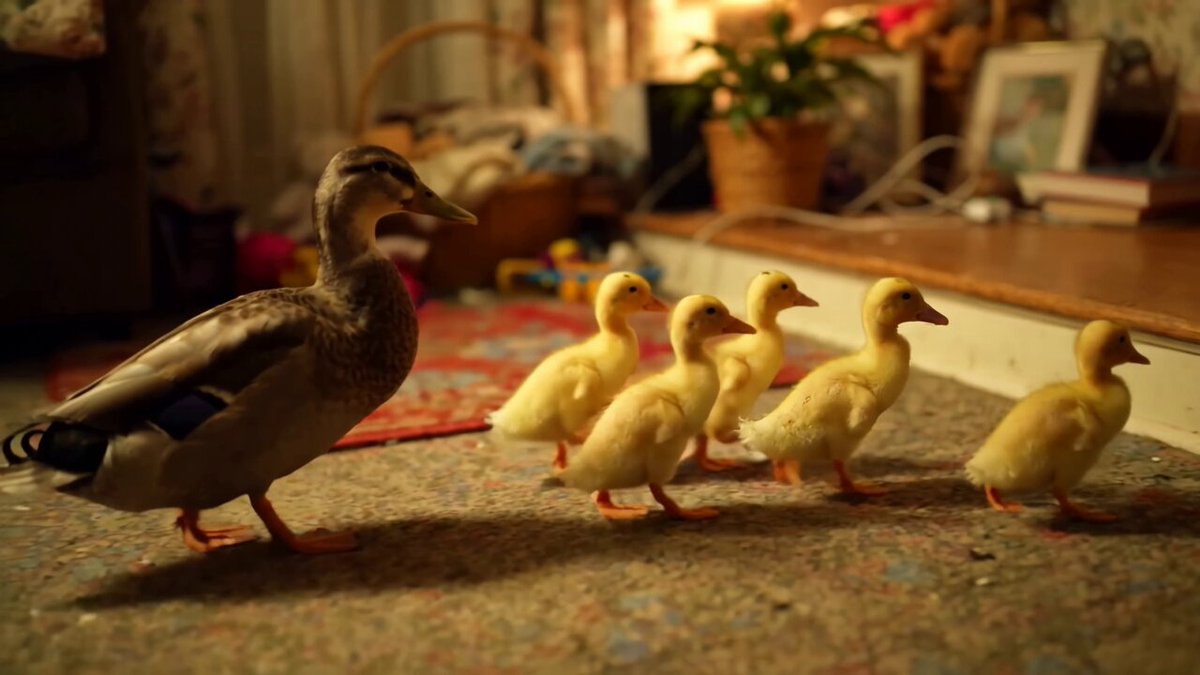
Muse sample clip: ducklings splash into a pond. 16:9. Its prompt is the first one below.
From signup to finished clip in three steps: write a prompt, let it generate, then preview and download.
Create an account with Google or with an email and password. New accounts get 50 credits once.
Pick text-to-video or image-to-video, a duration of 5 or 10 seconds, and 9:16 or 16:9. The studio shows the credit cost and your remaining balance before you click Generate.
No. Generation usually takes 1–3 minutes and keeps running if you leave. Finished videos appear in your library.
Open it in the studio or your library and click Download. Downloads and exports require a Pro or Max plan.
The credits are refunded automatically. Click Try again, or edit the prompt and generate again.